> ## Documentation Index
> Fetch the complete documentation index at: https://docs.scale3labs.com/llms.txt
> Use this file to discover all available pages before exploring further.
# Intel
## Configuring Node Updates Across Networks
Maintain the efficiency and security of your nodes by staying current with the latest updates across any blockchain network on our platform.
1. Click on **Intel** from the top tabs. Then click on **Alert Policies**.
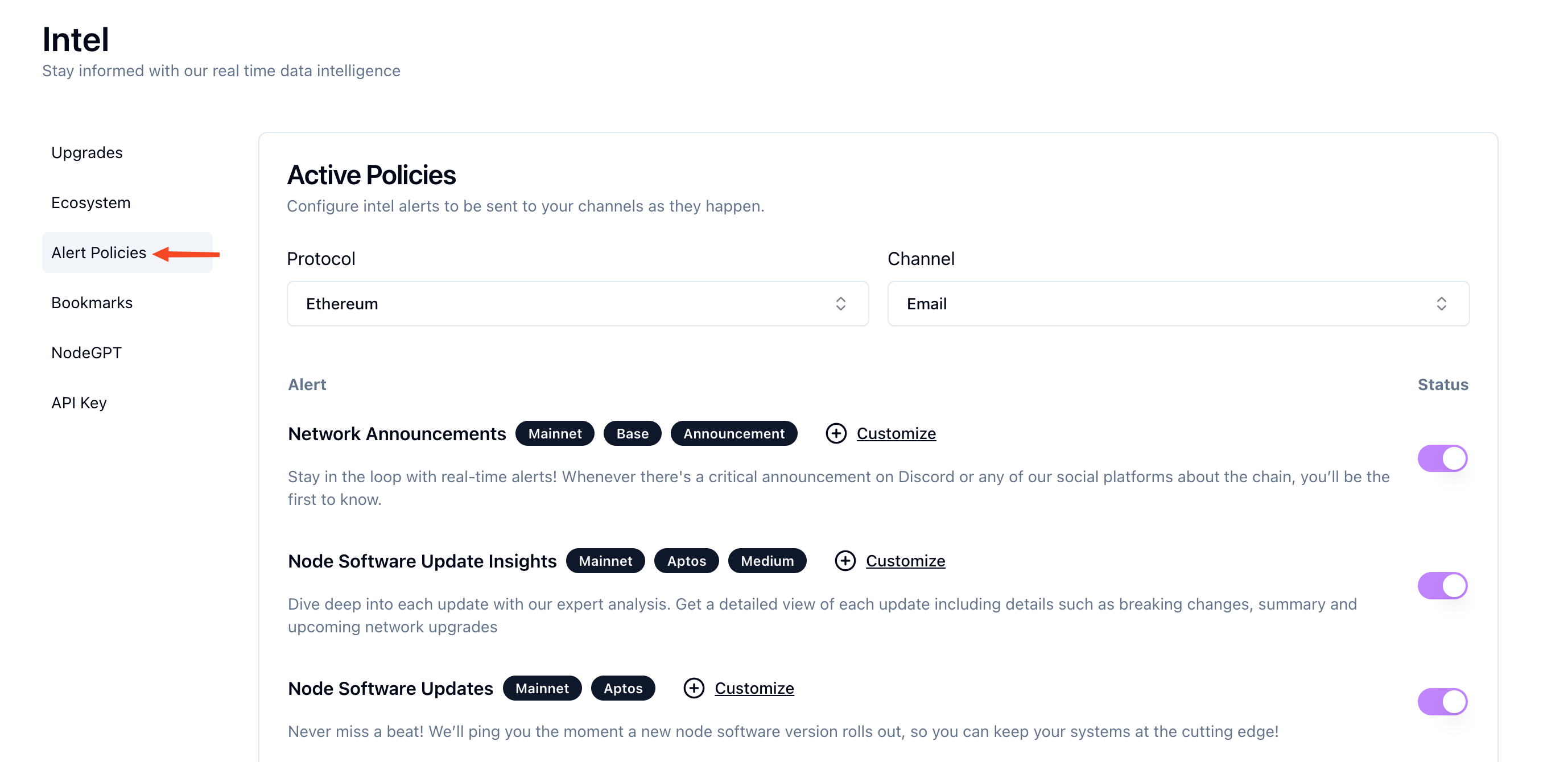 2. Add or Modify alerts for particular Protocols and Channels.
3. Add alert channels if not configured already. See the **[Alert Channels](https://scale3labs.com/docs/channels/introduction)** section on how to manage alert channels. Once your channels are added successfully, you will see **Channel** in the status column.
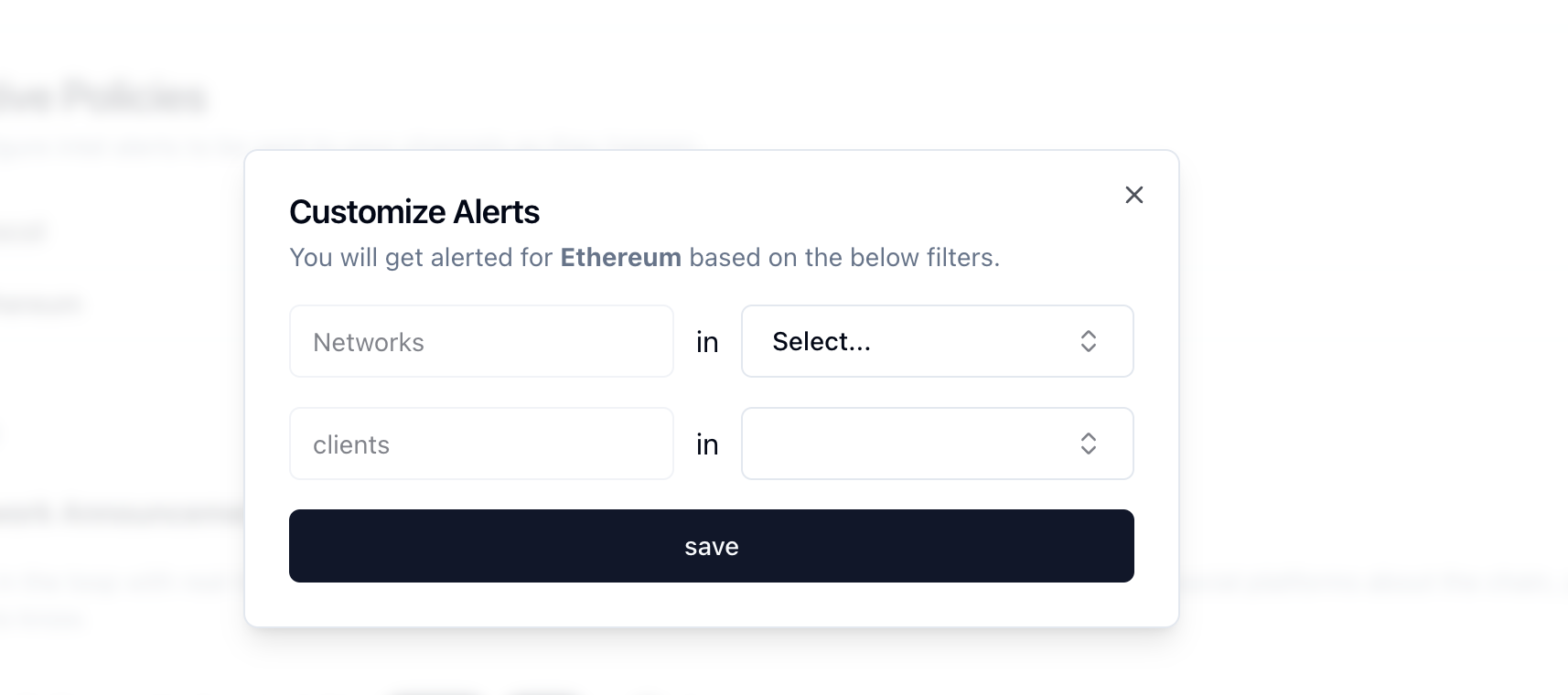
4. Toggle to activate Network Announcements switch, then proceed to click on the customize button for configuring network announcements.
2. Add or Modify alerts for particular Protocols and Channels.
3. Add alert channels if not configured already. See the **[Alert Channels](https://scale3labs.com/docs/channels/introduction)** section on how to manage alert channels. Once your channels are added successfully, you will see **Channel** in the status column.
4. Toggle to activate Network Announcements switch, then proceed to click on the customize button for configuring network announcements.
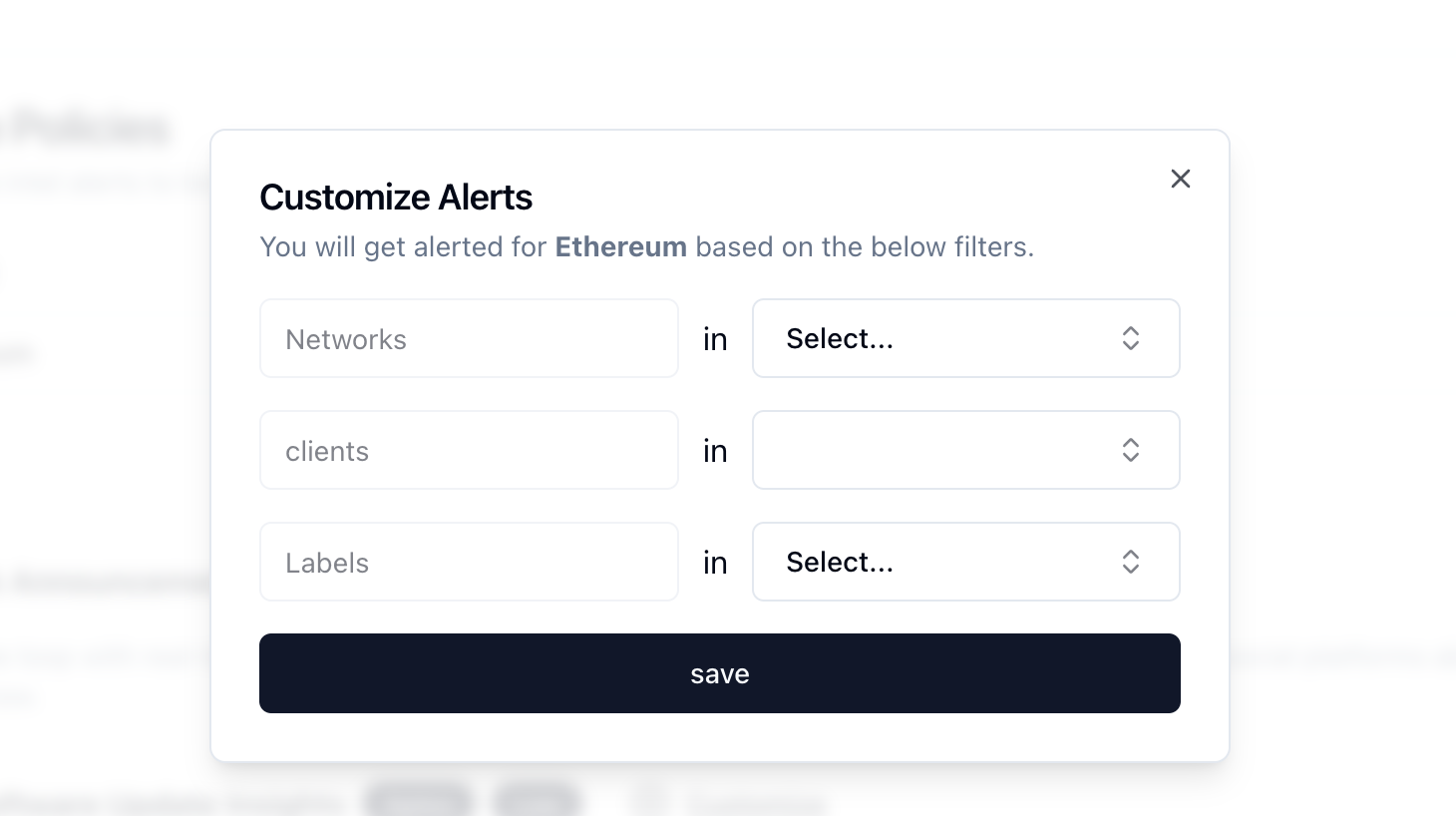 5. Toggle to activate the Node Software Update Insights switch, then proceed to click on the customize button for configuring the Node Software Update Insights.
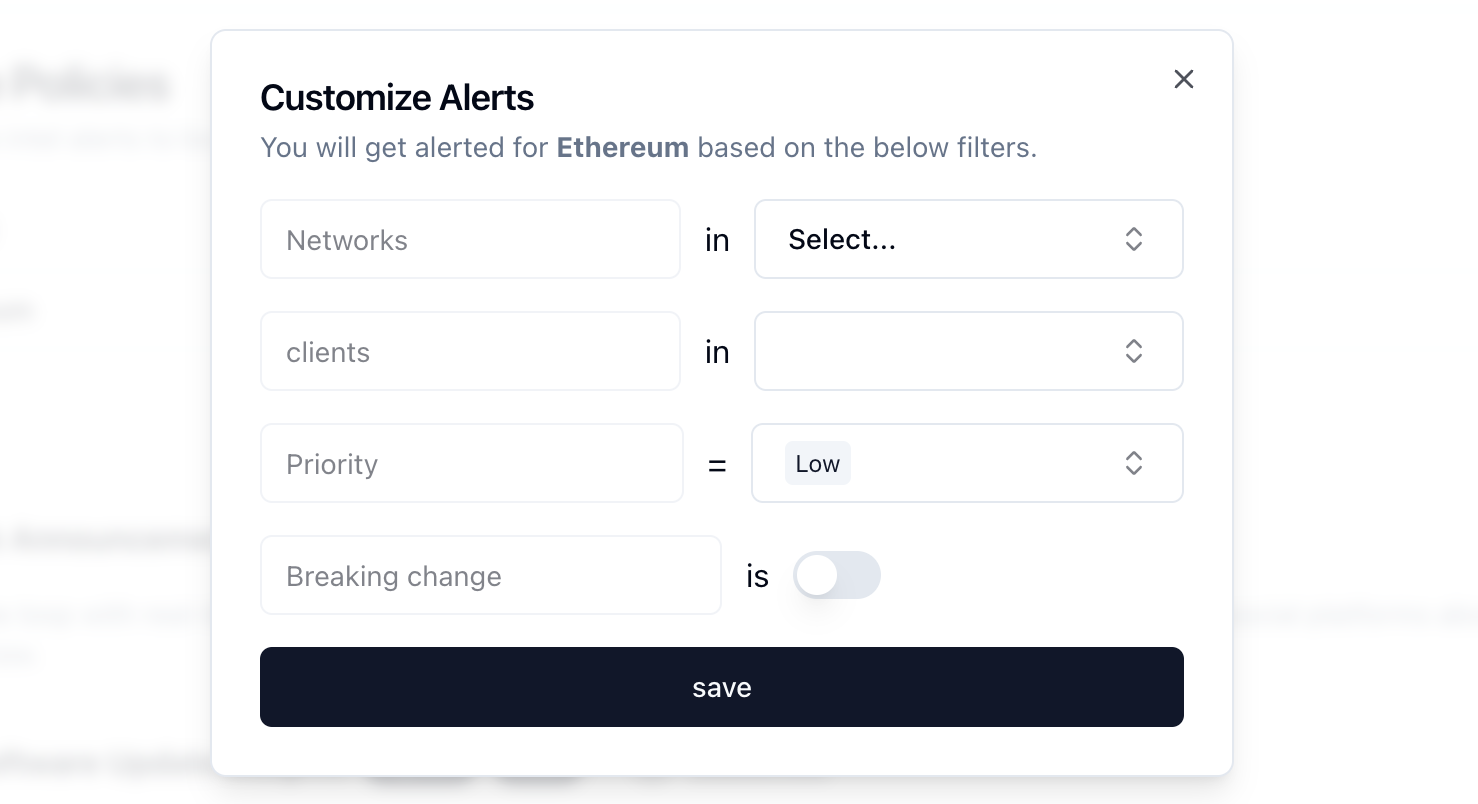 6. Toggle to activate Node Software Updates switch, then proceed to click on the customize button for configuring Node Software Updates.